
Introduction
Imagine walking into your home and the lights turn on automatically, your favorite music starts playing, and the temperature adjusts perfectly—without you lifting a finger. That’s the magic of smart home installation, and it’s no longer a luxury reserved for tech enthusiasts.
Today, more homeowners are embracing smart technology to make life easier, safer, and even more energy-efficient. Whether you want better security, convenience, or just a cooler living space, understanding how smart home installation works is the first step toward transforming your home.
The best part? You don’t need to be a tech wizard. With the right guidance, anyone can build a smart home that fits their lifestyle and budget. Let’s break it all down in a way that actually makes sense.


What Is Smart Home Installation
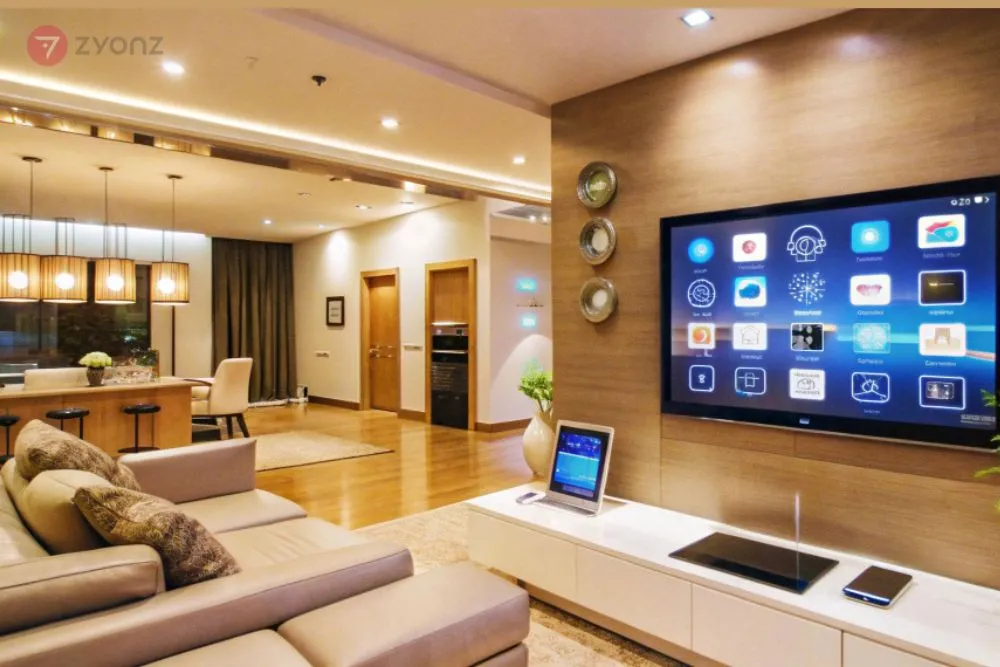
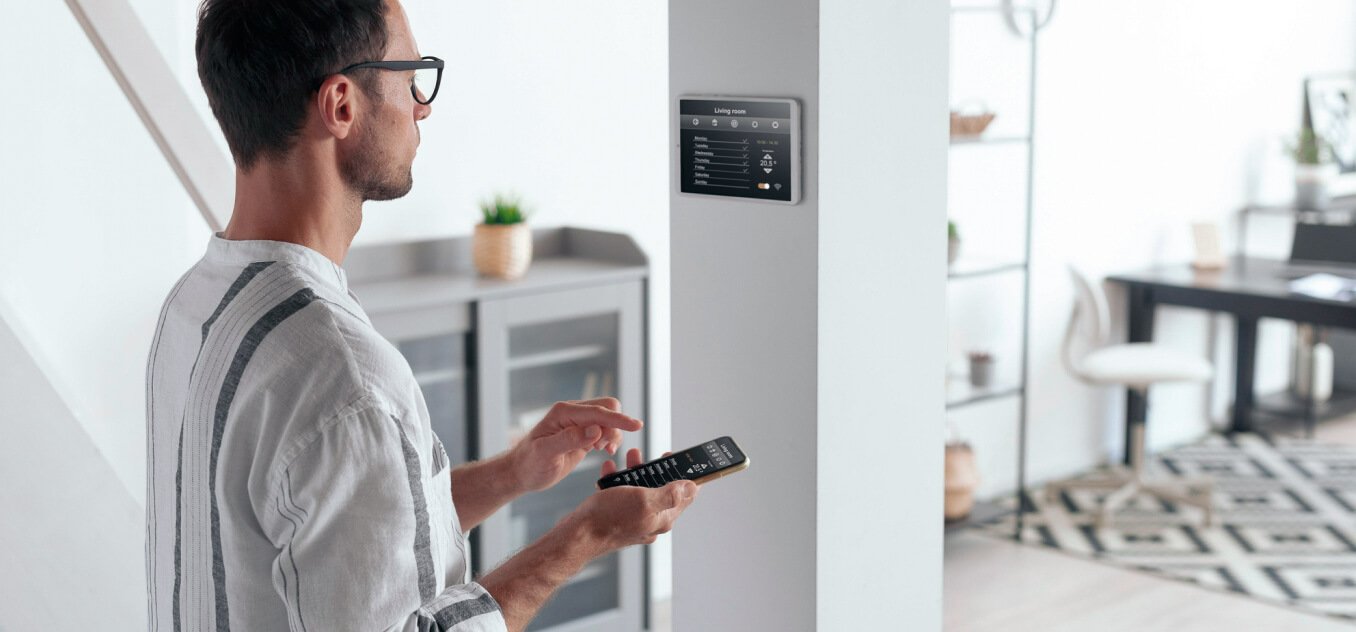
Smart home installation refers to the process of setting up connected devices and systems that automate and control various functions in your home. These systems rely on the Internet of Things (IoT), allowing devices to communicate with each other and be controlled remotely.
Key Features
- Remote control via smartphone apps
- Automation based on schedules or triggers
- Voice control through assistants like Alexa or Google Assistant
- Integration between devices
In simple terms, smart home installation turns your regular home into an intelligent environment that responds to your needs.
Benefits of Smart Home Installation
1. Convenience That Feels Magical
You can control lights, appliances, and security systems from anywhere. Forgot to turn off the lights? Just tap your phone.
2. Improved Security
Smart cameras, motion sensors, and door locks provide real-time alerts and monitoring.
3. Energy Efficiency
Smart thermostats and lighting systems reduce energy waste, saving money over time.
4. Increased Property Value
Homes with smart features often attract higher resale value.
5. Accessibility
For elderly or disabled individuals, automation can make daily tasks easier and safer.
Types of Smart Home Systems
Understanding system types helps you choose the right setup.
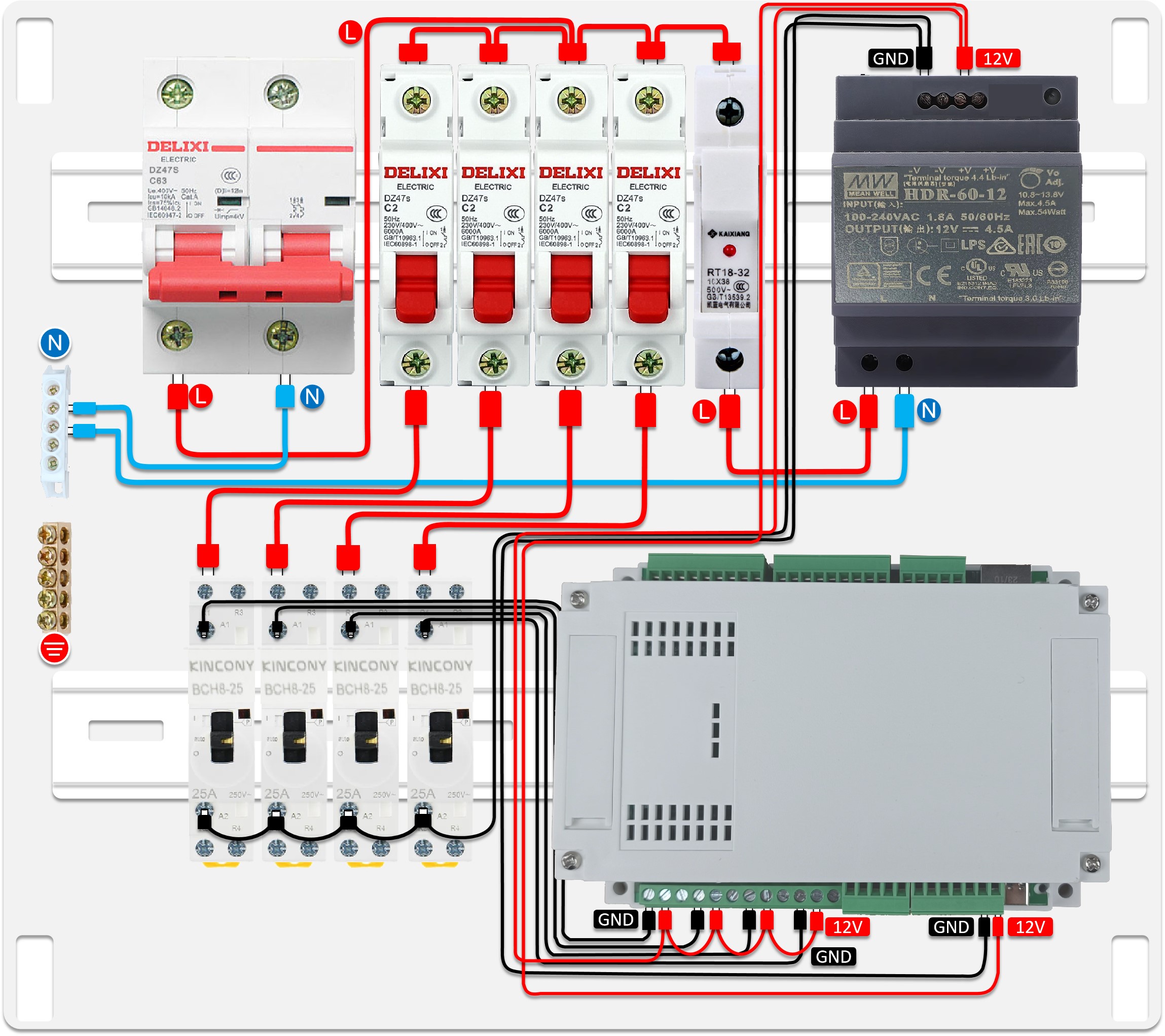
Wired Systems
- More stable and reliable
- Ideal for new constructions
- Higher installation cost
Wireless Systems
- Easy to install
- Flexible and scalable
- Perfect for existing homes
Hybrid Systems
- Combine wired and wireless
- Offer both reliability and flexibility

Essential Devices for Smart Home Installation
When starting your journey, focus on core devices.
Smart Lighting
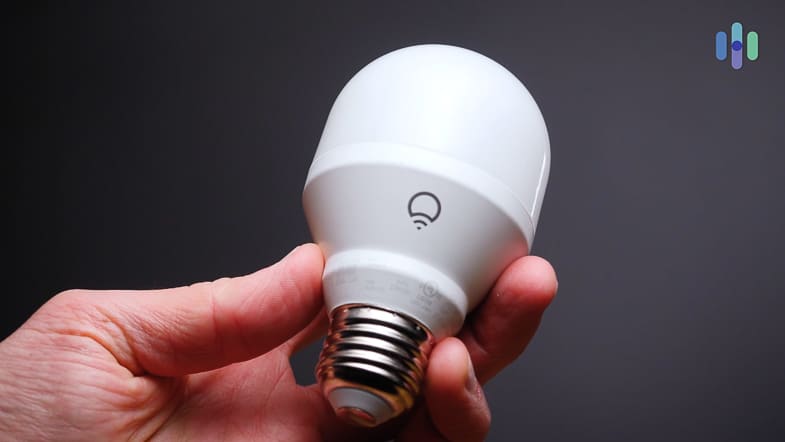
- Automated schedules
- Remote brightness control
- Energy-saving options
Smart Thermostats
- Learn your habits
- Reduce energy bills
- Remote temperature control
Smart Security Systems
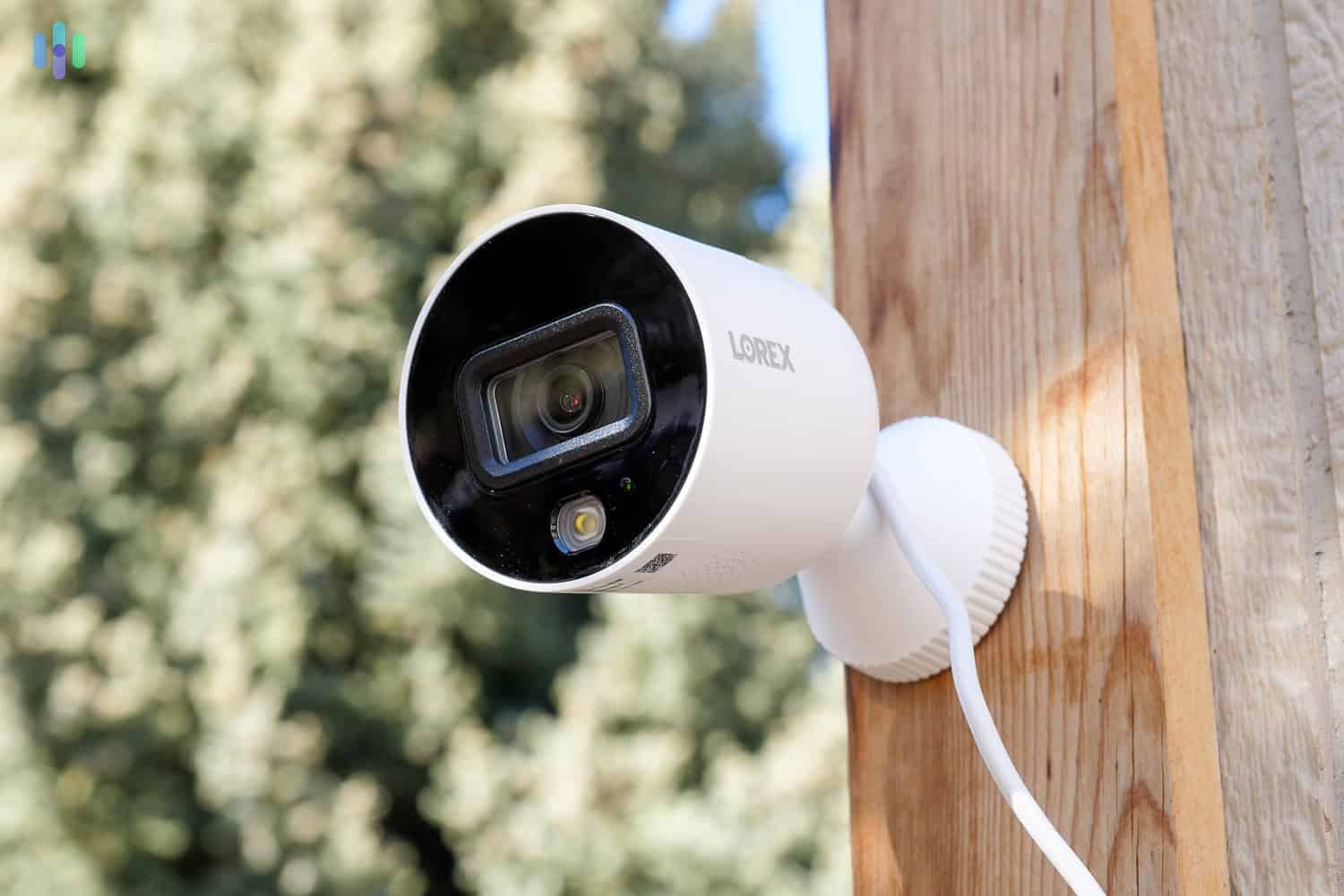
- Cameras and motion detectors
- Smart locks
- Real-time alerts
Smart Speakers & Hubs
- Central control system
- Voice command functionality
Smart Appliances
- Refrigerators, washing machines, and more
- Remote monitoring and control
Step-by-Step Smart Home Installation Guide
Let’s walk through a practical approach to <strong>smart home installation</strong>.
Step 1: Define Your Goals
Ask yourself:
- Do you want security, comfort, or energy savings?
- Which areas of your home need automation?
Step 2: Choose a Platform
Popular options include:
- Amazon Alexa
- Google Home
- Apple HomeKit
Consistency is key—stick to one ecosystem.
Step 3: Start Small
Begin with:
- Smart bulbs
- Smart plugs
- A smart speaker
Step 4: Expand Gradually
Add devices like:
- Security cameras
- Smart locks
- Thermostats
Step 5: Set Up Automation
Create routines such as:
- Lights turning on at sunset
- Thermostat adjusting at bedtime
Step 6: Ensure Strong Wi-Fi
A weak network can ruin your experience. Consider:
- Mesh Wi-Fi systems
- Signal boosters
Costs and Budget Considerations
The cost of smart home installation varies widely.
Estimated Costs Table
| Category | Budget Range |
|---|---|
| Basic Setup | $100 – $500 |
| Mid-Level Setup | $500 – $2,000 |
| Advanced System | $2,000 – $10,000+ |
Factors Affecting Cost
- Number of devices
- Brand quality
- Installation method (DIY vs professional)
- Home size
DIY vs Professional Smart Home Installation
DIY Installation
Pros:
- Cost-effective
- Flexible
- Easy for basic setups
Cons:
- Limited technical expertise
- Time-consuming
Professional Installation
Pros:
- Expert configuration
- Seamless integration
- Reliable performance
Cons:
- Higher cost
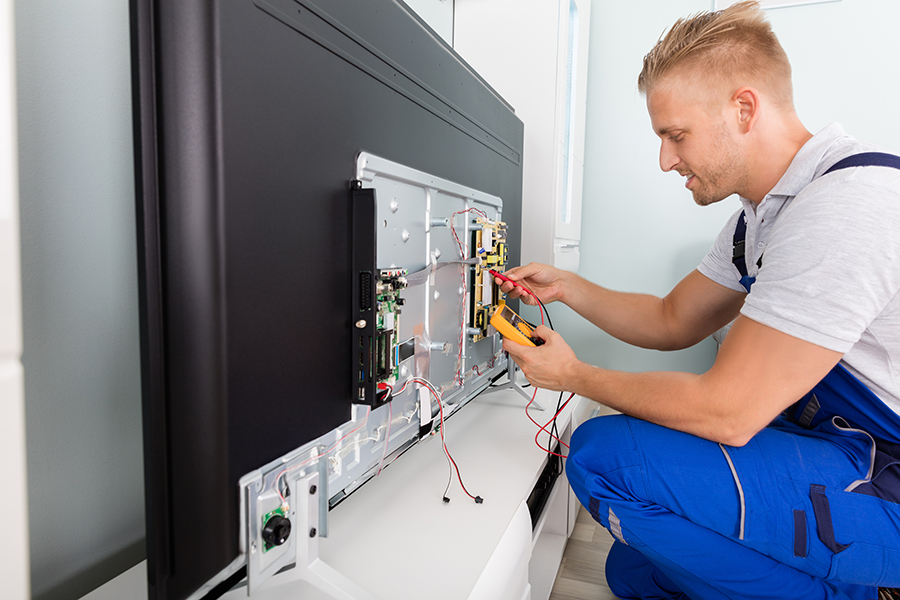
If you’re installing a complex system, professional help is often worth it.
Common Mistakes to Avoid
Even the best plans can go wrong. Here’s what to watch out for:
1. Ignoring Compatibility
Not all devices work together. Always check compatibility.
2. Weak Internet Connection
A smart home is only as strong as its Wi-Fi.
3. Overcomplicating Setup
Start simple—don’t automate everything at once.
4. Neglecting Security
Use strong passwords and enable two-factor authentication.
5. Skipping Updates
Regular updates keep your system secure and efficient.
Future Trends in Smart Home Technology
Smart home installation is evolving fast.
AI Integration
Homes will learn your habits and predict needs.
Voice Control Expansion
More natural and conversational interactions.
Energy Optimization
Smarter systems will reduce environmental impact.
Enhanced Security
Facial recognition and advanced monitoring.
Interoperability
Devices from different brands will work seamlessly together.
FAQ
Frequently Asked Questions
What is smart home installation?
It’s the process of setting up connected devices that automate and control home functions like lighting, security, and temperature.
How much does smart home installation cost?
Costs range from $100 for basic setups to over $10,000 for advanced systems.
Can I do smart home installation myself?
Yes, many devices are DIY-friendly, especially wireless ones.
Is smart home installation safe?
Yes, as long as you use secure networks and keep devices updated.
Do smart homes save energy?
Absolutely. Smart thermostats and lighting reduce energy usage significantly.
What devices should I start with?
Start with smart bulbs, plugs, and a voice assistant.
Do I need a hub for smart home installation?
Not always, but hubs help centralize control and improve integration.
Is smart home installation worth it?
For most homeowners, the convenience, security, and savings make it worthwhile.
Conclusion
Smart home installation isn’t just about gadgets—it’s about creating a living space that works for you. Whether you start with a single smart bulb or go all-in with a fully automated system, every step brings you closer to a more comfortable, efficient, and secure home.
The beauty of it all? You’re in control. Build it at your own pace, experiment with what works, and enjoy the process. Because once you experience a smart home, going back feels almost impossible.